> ## Documentation Index
> Fetch the complete documentation index at: https://smithers-feat-claude-workflow-mirror.mintlify.site/llms.txt
> Use this file to discover all available pages before exploring further.
# The Few Concepts You Need
> The minimum mental model to talk to your agent about Smithers: durability, loops, approvals, rewind, any model, isolation.
You need six ideas. Each is one sentence, one picture, and one thing you can say to your coding agent. You don't write the workflow; you describe the work in plain English, your agent renders it, and the runtime does the rest. These six are what make "the rest" worth having.
## 1. Durability: finished work stays finished
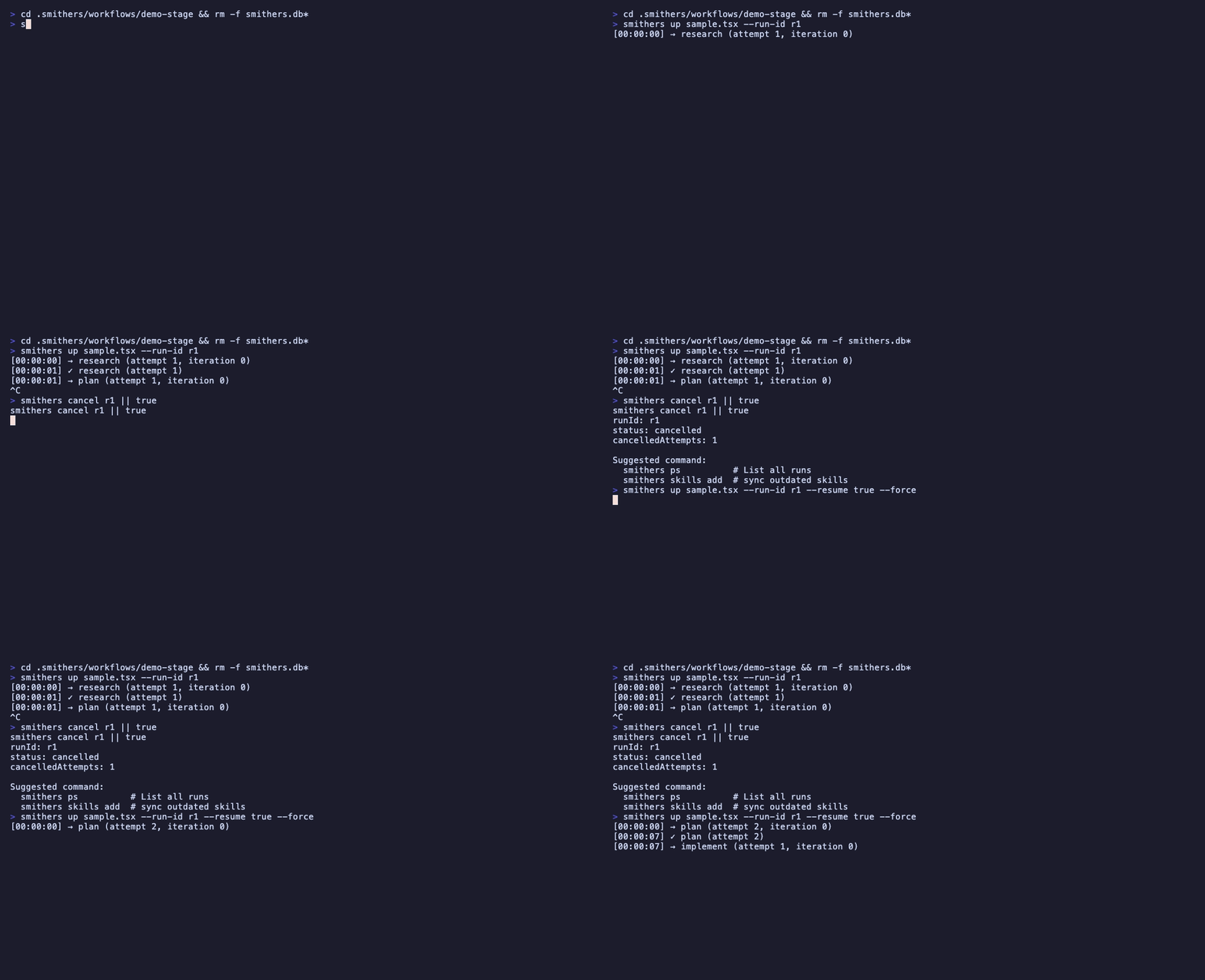
Every completed step is saved. If the machine dies mid-run, Smithers resumes from the last completed step and never re-runs work that succeeded. That's the **render → execute → persist** loop: run a step, persist its output as a *frame*, and a crash just means reload the last frame and continue. (Deep version: [How It Works](/how-it-works).)
```mermaid theme={null}
flowchart LR
A[Run starts] --> B[Step done
frame saved]
B --> C[Step done
frame saved]
C --> X[crash]
X -.resume.-> D[Reload last frame]
D --> E[Continue from here]
style X fill:#fde,stroke:#c33
style D fill:#dfe,stroke:#3a3
```
 > "Kick off the implement run. If my laptop sleeps, just resume it."
## 2. It loops until true, not once-and-done
Smithers iterates. It runs implement → check → review until a condition is met, instead of taking one swing and handing you the result. One-shot output is where slop comes from; a loop with a real exit condition is how you get quality.
> "Keep implementing and re-running the tests until they all pass."
## 3. Approvals: a paused run is just a row in a database
You can put a human in the loop. A run waiting for approval is paused as a row in SQLite, so it costs nothing while it waits: no process burning, no timer, no idle compute. Pause for a day or a week; approve, and it resumes from exactly where it stopped.
> "Plan the migration, then pause for my approval before touching the database."
## 4. Time travel: rewind, fork, retry
Every step is a saved frame, so you can go backwards. Rewind to any earlier frame, fork from there, and try a different approach without losing the original run. The first attempt isn't gone; it's a branch you can compare against. (Details: [How It Works](/how-it-works#time-travel).)
> "Kick off the implement run. If my laptop sleeps, just resume it."
## 2. It loops until true, not once-and-done
Smithers iterates. It runs implement → check → review until a condition is met, instead of taking one swing and handing you the result. One-shot output is where slop comes from; a loop with a real exit condition is how you get quality.
> "Keep implementing and re-running the tests until they all pass."
## 3. Approvals: a paused run is just a row in a database
You can put a human in the loop. A run waiting for approval is paused as a row in SQLite, so it costs nothing while it waits: no process burning, no timer, no idle compute. Pause for a day or a week; approve, and it resumes from exactly where it stopped.
> "Plan the migration, then pause for my approval before touching the database."
## 4. Time travel: rewind, fork, retry
Every step is a saved frame, so you can go backwards. Rewind to any earlier frame, fork from there, and try a different approach without losing the original run. The first attempt isn't gone; it's a branch you can compare against. (Details: [How It Works](/how-it-works#time-travel).)
 > "Rewind that run to before the refactor and try a different approach."
## 5. Any agent, any model
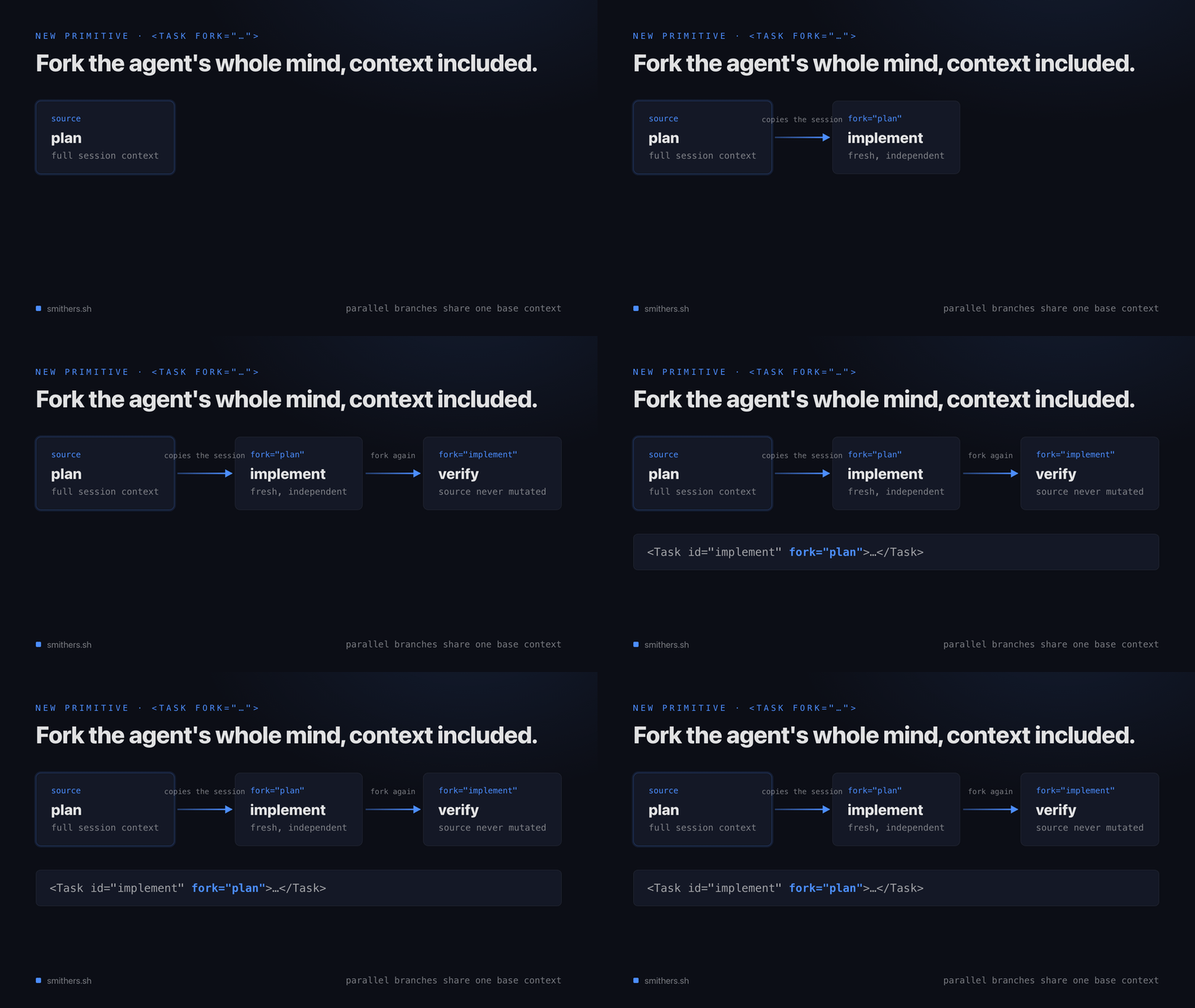
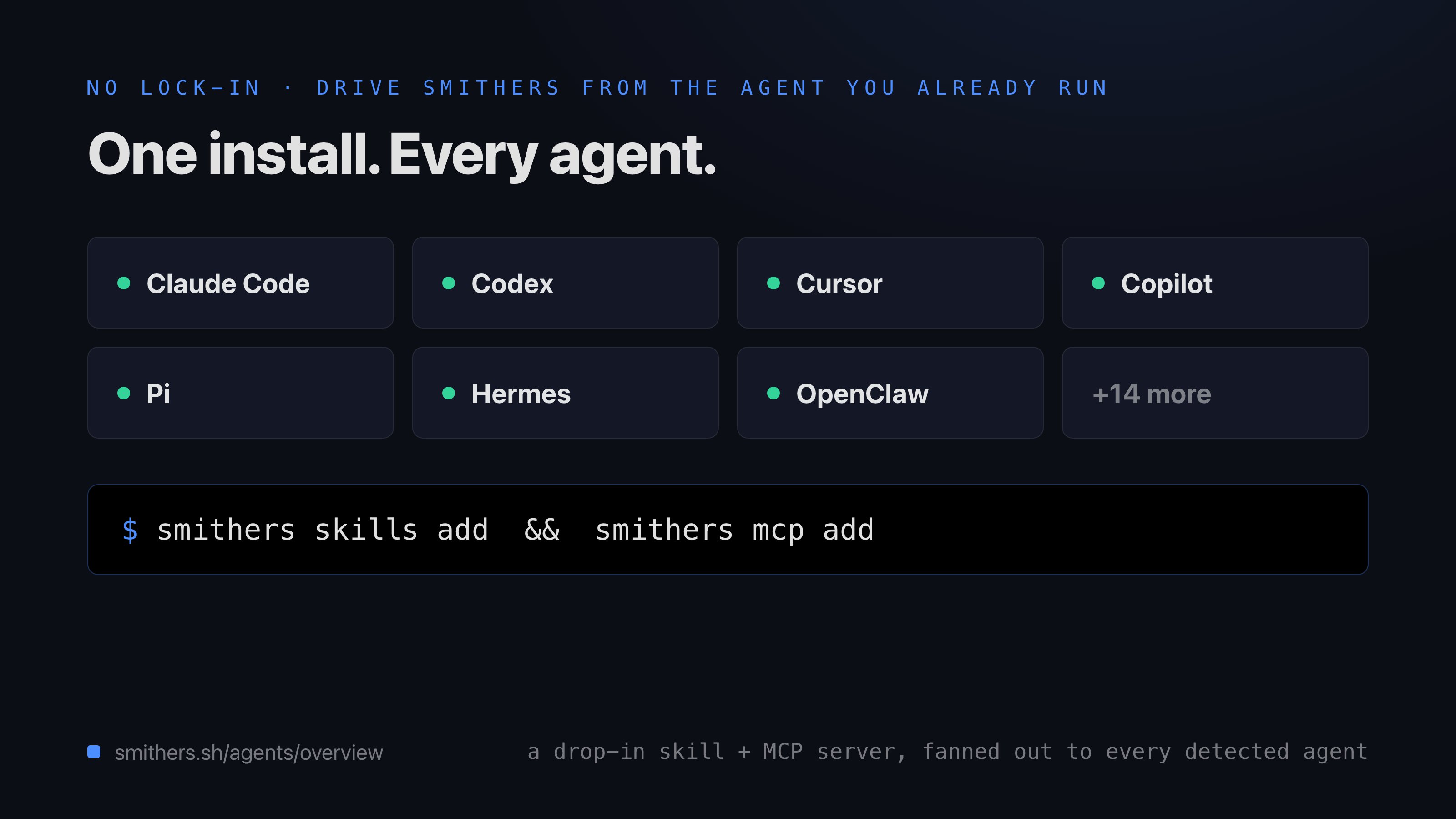
Smithers is not tied to one AI. **Any agent, any model, any machine.** A frontier model can plan while a cheaper one fans the work out: you pick the right brain for each step.
| Step | Good fit | Why |
| ----------------------- | -------------------------- | --------------------------------------------- |
| Plan / architect | A frontier model | Hard reasoning, one call, worth the cost |
| Fan-out implementation | Cheaper, faster models | Many parallel tasks, each small |
| Review / second opinion | A different model entirely | Independent eyes catch what the author missed |
> "Rewind that run to before the refactor and try a different approach."
## 5. Any agent, any model
Smithers is not tied to one AI. **Any agent, any model, any machine.** A frontier model can plan while a cheaper one fans the work out: you pick the right brain for each step.
| Step | Good fit | Why |
| ----------------------- | -------------------------- | --------------------------------------------- |
| Plan / architect | A frontier model | Hard reasoning, one call, worth the cost |
| Fan-out implementation | Cheaper, faster models | Many parallel tasks, each small |
| Review / second opinion | A different model entirely | Independent eyes catch what the author missed |
 > "Use a frontier model to plan, then fan the implementation out across cheaper models."
## 6. Isolation: parallel work doesn't collide
When Smithers runs work in parallel, each agent gets its own worktree or sandbox, so two agents editing the same repo don't trample each other; the results merge back cleanly. That's what makes fan-out safe: ten tickets, ten worktrees, ten agents, no shared mutable mess. The `kanban` workflow does exactly this.
> "Use a frontier model to plan, then fan the implementation out across cheaper models."
## 6. Isolation: parallel work doesn't collide
When Smithers runs work in parallel, each agent gets its own worktree or sandbox, so two agents editing the same repo don't trample each other; the results merge back cleanly. That's what makes fan-out safe: ten tickets, ten worktrees, ten agents, no shared mutable mess. The `kanban` workflow does exactly this.
 > "Work all the open tickets at once, each in its own branch."
## The one rule above all six: you drive it through your agent
You never hand-write any of this. You describe the outcome and **drive it through your agent**, which renders the loop, the gate, the fan-out, the isolation. These six are the vocabulary for asking for exactly the run you want.
## Read next
**How-to:** how the conversation actually works, what to say, what comes back.
**Reference:** the built-in workflows and the kinds of work you can hand off.
**Explanation (deeper):** the render, execute, persist loop, frames, and resume in detail.
**Explanation (deeper):** why a JSX runtime, and why time travel comes for free.
> "Work all the open tickets at once, each in its own branch."
## The one rule above all six: you drive it through your agent
You never hand-write any of this. You describe the outcome and **drive it through your agent**, which renders the loop, the gate, the fan-out, the isolation. These six are the vocabulary for asking for exactly the run you want.
## Read next
**How-to:** how the conversation actually works, what to say, what comes back.
**Reference:** the built-in workflows and the kinds of work you can hand off.
**Explanation (deeper):** the render, execute, persist loop, frames, and resume in detail.
**Explanation (deeper):** why a JSX runtime, and why time travel comes for free.